CSS Introduction – What is CSS and Why Use It? (2026-27)
CSS (Cascading Style Sheets) is the language used to control the visual presentation of HTML web pages — colors, fonts, spacing, layout, animations, and responsive design. Without CSS, every web page would look like plain black text on a white background. CSS is one of the three core technologies of the web, alongside HTML (structure) and JavaScript (interactivity). In this beginner-friendly guide you will learn what CSS is, why we use it, its full form, history, syntax, the three types of CSS (inline, internal, external), real code examples with live previews, advantages and disadvantages, and a quiz to test your knowledge.
✅ What is CSS?
CSS (Cascading Style Sheets) is a stylesheet language used to describe how HTML elements should be displayed on screen, in print, or by a screen reader. It controls the visual appearance of web pages — colors, fonts, sizing, spacing, layout, backgrounds, borders, animations, and responsiveness.
✅ CSS was first proposed by Håkon Wium Lie on October 10, 1994, and published as a W3C standard in 1996.
✅ CSS is maintained by the World Wide Web Consortium (W3C).
✅ The current version is CSS3, which introduced modules for animations, gradients, Flexbox, Grid, custom properties (variables), and more.
✅ CSS works alongside HTML (structure) and JavaScript (interactivity) — together they form the three pillars of the web.
✅ CSS Full Form – What Does CSS Stand For?
CSS = Cascading Style Sheets
| Letter | Word | Meaning |
|---|---|---|
| C | Cascading | Refers to the priority order (cascade) by which styles are applied when multiple rules target the same element. Inline styles override internal, which override external. |
| S | Style | The visual presentation rules — colors, fonts, sizes, margins, layouts, animations, etc. |
| S | Sheets | The files or blocks of code that contain the CSS rules. Usually .css files or <style> blocks. |
!important is used).
✅ Brief History of CSS
| Year | Event |
|---|---|
| 1994 | CSS first proposed by Håkon Wium Lie on October 10, 1994, while working at CERN |
| 1996 | CSS Level 1 (CSS1) published as a W3C Recommendation — basic text and color styling |
| 1998 | CSS Level 2 (CSS2) released — added positioning, media types, and more selectors |
| 2004 | CSS 2.1 — bug fixes and clarifications to CSS2 |
| 2011–now | CSS3 — modular approach; introduces Flexbox, Grid, animations, transitions, custom properties, media queries, gradients, and more |
| 2026 | CSS continues evolving with new features: container queries, :has() selector, cascade layers, color functions (oklch) |
✅ Why Use CSS? – 8 Key Reasons
Before CSS, all styling was done inline with HTML attributes like bgcolor, color, font, and align — making HTML cluttered, repetitive, and hard to maintain. CSS solves all of this.
| Reason | Explanation |
|---|---|
| ✅ Separation of content and design | HTML handles structure; CSS handles appearance. This keeps code clean, organized, and easier to maintain. |
| ✅ Style once, apply everywhere | One external CSS file styles hundreds of pages. Change the file → all pages update instantly. |
| ✅ Faster page loading | External CSS is cached by browsers. Pages load faster because the CSS file downloads only once. |
| ✅ Responsive design | CSS media queries let you create layouts that adapt to mobile, tablet, and desktop screen sizes. |
| ✅ Consistent styling | Every heading, button, and paragraph looks identical across all pages automatically. |
| ✅ Animations and effects | CSS transitions and animations add hover effects, slide-ins, fade-ins — no JavaScript needed. |
| ✅ Professional layouts | Flexbox and CSS Grid enable complex, responsive layouts with just a few lines of CSS. |
| ✅ Browser compatibility | CSS is supported in all modern browsers — Chrome, Firefox, Safari, Edge, Opera — consistently. |
✅ HTML vs CSS – Key Differences
| Feature | HTML | CSS |
|---|---|---|
| Full name | HyperText Markup Language | Cascading Style Sheets |
| Purpose | Defines structure and content | Defines visual presentation |
| Controls | Headings, paragraphs, images, links, forms, tables | Colors, fonts, spacing, layout, animations |
| File extension | .html or .htm | .css |
| Without the other | Works — plain text/structure; no styling | Cannot work alone — needs HTML elements to style |
| Analogy | The skeleton of a building | The paint, furniture, and décor |
| First released | 1993 | 1996 |
✅ CSS Syntax – How CSS Rules Work
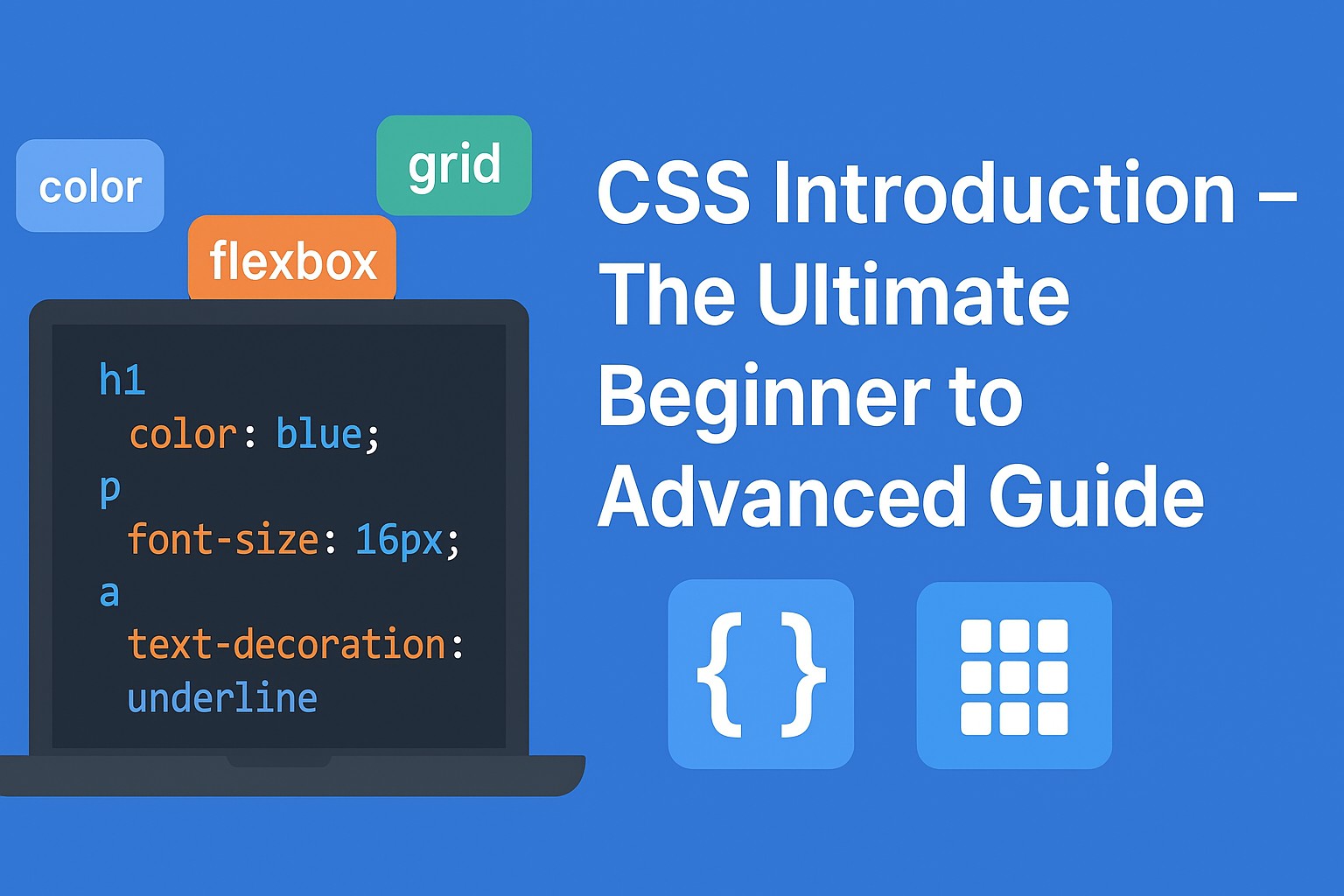
Every CSS rule has three parts: a selector, a property, and a value. Multiple declarations are separated by semicolons and wrapped in curly braces.
✅ CSS Syntax Structure:-
Hello, CSS!
Selector: h1 | Properties: color, font-size, text-align
Selector — targets which HTML element(s) to style (h1, p, .class, #id)
Property — which style characteristic to change (color, font-size, background)
Value — what to set that property to (blue, 32px, center)
Declaration block — all property:value pairs inside { }
Semicolon — separates declarations; required after every property:value pair
✅ Your First CSS Example – Live Preview
This is what a complete HTML page with CSS looks like. The CSS changes the background, text color, heading style, and paragraph appearance:
✅ HTML + CSS Code:-
Welcome to CSS!
CSS makes web pages beautiful. It controls colors, fonts, layout, and much more — all without changing the HTML structure.
✅ Three Types of CSS
CSS can be applied to HTML in three different ways. Each method has its use case and priority level:
style attribute. Highest priority. Not recommended for large projects.<style> block in the HTML <head>. Good for single-page styling..css file and linked with <link>. Best practice for real projects — reusable and maintainable.✅ Type 1 – Inline CSS (Live Preview)
Inline CSS is applied using the style attribute directly on a single HTML element. It affects only that one element. It has the highest priority in the cascade but is the hardest to maintain.
✅ Inline CSS Code:-
I am styled with Inline CSS
Yellow background paragraph
✅ Type 2 – Internal CSS (Live Preview)
Internal CSS is written inside a <style> tag in the <head> section of an HTML file. It applies to the whole page. Good for single-page styles or quick prototyping.
✅ Internal CSS Code:-
Internal CSS
Styled with Internal CSS — applied to the whole page from a single <style> block.
✅ Type 3 – External CSS (Live Preview)
External CSS is written in a separate .css file and linked to the HTML using a <link> tag. This is the recommended method for all real projects — one CSS file styles hundreds of pages, making changes easy and consistent.
✅ External CSS – Two files required:-
External CSS!
Styled from a separate .css file — change one file, update hundreds of pages instantly.
✅ One change in
styles.css updates every page on your site✅ The CSS file is cached by the browser — pages load faster on repeat visits
✅ HTML stays clean with no styling mixed in
✅ Easy for teams — developers and designers can work on separate files
✅ Web Page Without CSS vs With CSS
This live example shows exactly what HTML looks like without CSS versus after CSS is applied — the same content, completely different visual experience:
CSS Tutorial
Welcome to the CSS tutorial. Learn how CSS works step by step with examples.
Learn MorePlain black text, default browser styles only
CSS Tutorial
Welcome to the CSS tutorial. Learn how CSS works step by step with examples.
Learn More →Beautiful layout with colors, fonts, spacing
✅ Advantages of CSS
✅ Separation of concerns — HTML handles content structure; CSS handles visual design. Cleaner code, easier team collaboration.
✅ Time-saving — Write CSS once, apply to hundreds of HTML elements and pages simultaneously.
✅ Faster loading — External CSS files are cached by browsers. Subsequent page loads use the cached file without re-downloading it.
✅ Responsive design — Media queries adapt layouts to mobile, tablet, and desktop screens automatically.
✅ Consistent appearance — All matching elements look identical across the entire site automatically.
✅ Powerful layout tools — Flexbox and CSS Grid create complex, responsive layouts easily.
✅ Accessibility — CSS can improve readability and contrast ratios for users with visual impairments.
✅ No plugin required — CSS works natively in all browsers with zero installation.
✅ Disadvantages of CSS
⚠️ Browser inconsistencies — Some CSS properties render slightly differently in older browsers (especially IE). Testing across browsers is required.
⚠️ No parent selector (limited) — Selecting parent elements based on child content is limited (though the new :has() selector in CSS4 helps).
⚠️ Global scope conflicts — CSS is global by default — a rule for h1 applies to every h1 on every page. Naming conflicts can cause unintended styling.
⚠️ Complexity at scale — Large CSS codebases can become difficult to manage without a methodology like BEM, SMACSS, or a preprocessor like SASS.
⚠️ No logic — CSS has no conditionals, loops, or functions (though CSS custom properties and calc() help). JavaScript or a preprocessor is needed for dynamic styling logic.
✅ CSS Browser Support (2026)
| CSS Feature | Chrome | Firefox | Safari | Edge | Opera |
|---|---|---|---|---|---|
| Core CSS (colors, fonts, margins) | ✅ All | ✅ All | ✅ All | ✅ All | ✅ All |
| CSS Flexbox | ✅ 21+ | ✅ 28+ | ✅ 6.1+ | ✅ 12+ | ✅ 12.1+ |
| CSS Grid | ✅ 57+ | ✅ 52+ | ✅ 10.1+ | ✅ 16+ | ✅ 44+ |
| CSS Custom Properties (variables) | ✅ 49+ | ✅ 31+ | ✅ 9.1+ | ✅ 15+ | ✅ 36+ |
| CSS Animations & Transitions | ✅ All | ✅ All | ✅ All | ✅ All | ✅ All |
| CSS Media Queries | ✅ All | ✅ All | ✅ All | ✅ All | ✅ All |
| Container Queries | ✅ 105+ | ✅ 110+ | ✅ 16+ | ✅ 105+ | ✅ 91+ |
| :has() selector | ✅ 105+ | ✅ 121+ | ✅ 15.4+ | ✅ 105+ | ✅ 91+ |
🧠 CSS Introduction – Yes/No Knowledge Check
Answer each question with Yes or No. See your score at the end!
✅ Common CSS Beginner Mistakes to Avoid
Wrong:
color: red font-size: 16px; — missing semicolon causes the font-size to fail.Correct:
color: red; font-size: 16px;
Inline CSS (
style="...") is hard to maintain, not reusable, and has the highest specificity making it hard to override. Use external CSS for real projects.
Wrong:
h1 color: red; — no curly braces = syntax error.Correct:
h1 { color: red; }
Wrong:
backround-color: blue; — typo; browser silently ignores it.Correct:
background-color: blue; — open DevTools to spot silent errors.
Wrong:
<link rel="style" href="style.css"> — wrong rel value.Correct:
<link rel="stylesheet" href="styles.css"> — must be "stylesheet".
✅ Frequently Asked Questions (FAQ)
✅ Try It Yourself – Live CSS Code Preview
Edit the HTML and CSS below and click ▶ Run to see your changes instantly. Try the preset examples or write your own code!
✅ Click the HTML or CSS tab to switch between editors.
✅ Click ▶ Run to apply your changes and see them in the live preview.
✅ Try the preset buttons above to load different CSS examples instantly.
✅ Use Tab key for indentation inside the editor.
✅ Click 📋 Copy Code to copy your complete HTML+CSS to clipboard.