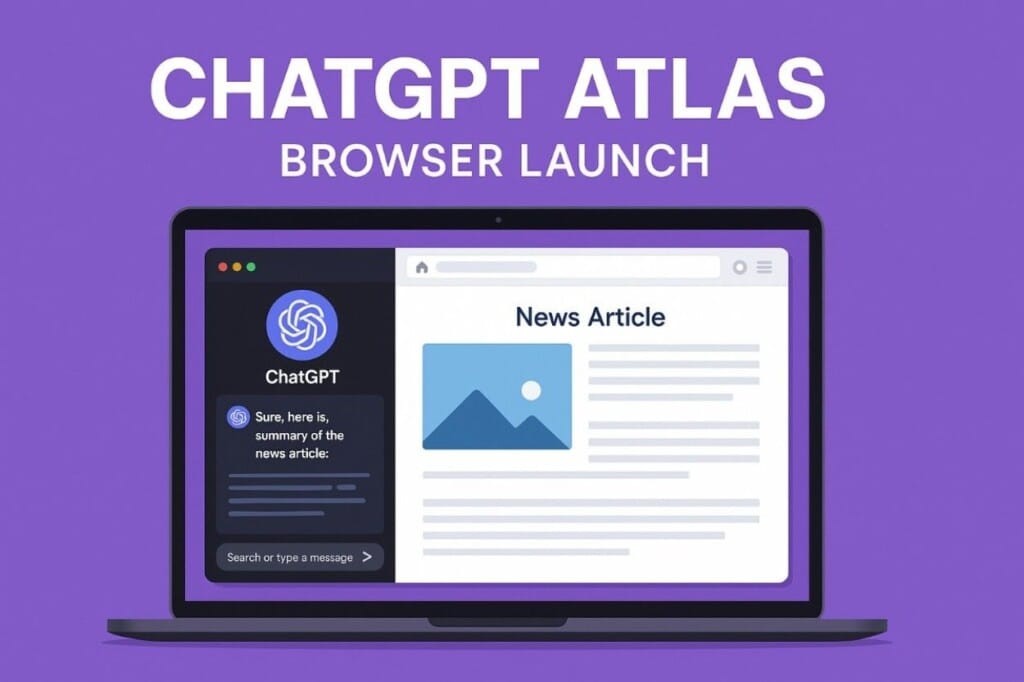
Why the ChatGPT Atlas Launched for macOS Is a Game-Changer
Python Tutorial-
Introduction-
✅ Why the ChatGPT Atlas Launched for macOS Is a Game-Changer
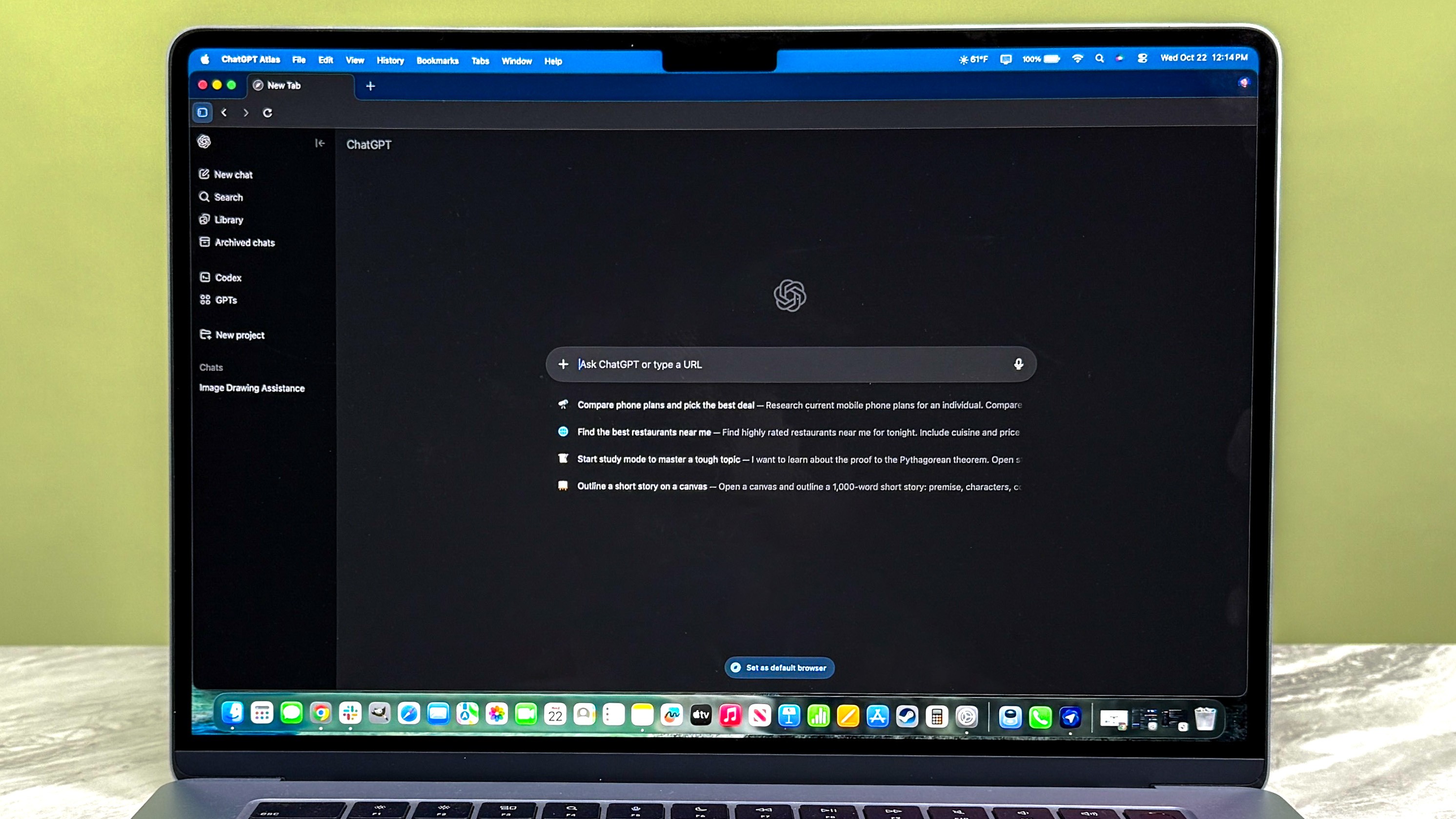
✅In This World-wide The moment ChatGPT Atlas launched for macOS, it signalled more than just another browser release—it marked a shift in how we think about browsing, search, and AI-assistant integration. Built by OpenAI, Atlas isn’t simply a new skin over the web—it set the intelligence of ChatGPT directly into your browsing routine.From now a day one macOS users can download and install Atlas, get ChatGPT on the sidebar, highlight web content for instant rework or resume, and even let the AI take action—tasks like booking flights, researching products, or drafting emails. and other activity.In this article and blog we will explain what makes Atlas special, how to get started, and whether it’s the right move for you.
✅ What Is ChatGPT Atlas? How to go From ChatGPT to an AI Browser
✅ Since the original release of ChatGPT, users have interacted with the model via chat windows, separate tabs, or browser extensions. But with Atlas, OpenAI has taken a bold step: the browser and the assistant become one.Atlas is described as “the browser with ChatGPT built in.”It integrates deep AI features in a way that aims to reduce scraping between “searching” and “doing”.
💡 Note: ChatGpt Atlas Atlas is available for free to macOS users. Some advanced features (like agent mode) are limited to paid users (Plus, Pro, Business).
✅ Key Features of Browser ChatGPT Atlas.
✅ 1.Built-in ChatGPT Sidebar for Seamless Interaction.
✔️ 1.Summarize this article.
✔️ 2.Compare these two products.
✔️ 3.Analyse the data on this page.
✅ 2.Memory & Context: The Browser That Remembers.
✔️ 1.Atlas supports “browser memories” — if enabled, it remembers facts and insights from your browsing, so ChatGPT can use that context later. Of course, you can turn it off.
✅ 3.Privacy & Data Controls in Atlas.
✔️ 1.OpenAI point up that users control whether their browsing data is used for model training, and memory features can be split.
✅ Availability & Platform Details
✔️ Atlas launched on macOS on October 21 2025 (world-wide availability) for Free, Plus, Pro, and Go users.also note:👉 the Agent mode is in preview and only for Plus/Pro users for now
✅ System Requirements & How to Install
✔️ Requires a Mac (with Apple silicon recommended) running macOS 12 Monterey or later
✔️ Installation steps: Download the DMG, drag into Applications, log in with your ChatGPT account, optionally import bookmarks/history.
✔️ Coming Soon: Windows, iOS & Android Versions-OpenAI says Windows, iOS and Android versions are in development and will roll out “soon”
✅ How Users Can Get Started Right Nows and Step-by-Step Installation on macOS
✅ Availability & Platform Details
✔️ 1. Visit “chatgpt.com/atlas” and download the macOS version.
✔️ 2. Drag the DMG file into Applications folder and open it. You might need to approve the warning dialogue.
✔️ 3. Log in with your ChatGPT account (Free or paid).
✔️ 4. Choose whether to import bookmarks/history from your current browser.
✔️ 5. Decide whether to enable Browser Memories (you can disable it later).
✔️ 6. Set Atlas as your default browser if you like.
✅ Competition with Chrome, Safari & Others
✔️ With Atlas, OpenAI is clearly targeting dominant browsers like Google Chrome and Safari. Analysts note the release triggered a noticeable stock dip for Google’s parent company.The key battleground: AI-integrated browsing workflows rather than just tab management.
✔️ Can I use Atlas on Windows or Android now?-Not yet. Those versions are expected soon, but at launch it’s macOS-only
✔️ Is my browsing data safe with Atlas?-OpenAI says you control memory settings and retrieval of browsing data. But as with any new AI tool, it’s wise to review settings, disable auto-memory if you’re cautious, and use incognito for sensitive tasks.
💡 Note: Python Comments Best Practices Case-sensitive language – Think of comments as leaving little notes for your future self (or another developer) who might not remember the full context.
✅ Example 1:-Your First Python Program
print("www.learntosap.com!")
✅ Welcome Python tutorial
Welcome to our Python tutorial! Here, you’ll learn Python basics and try out code live without leaving the page.
✅ Why Python?
Easy to read and write
Cross-platform
Used in web development, data science, AI, and automation
Your First Program
print("Hello, World!")
Live Python Code Preview
Practice - Yes/No Quiz
1.Do comments affect how Python code is executed?
2.Does every Python comment start with the # symbol?
3.Can Python comments span multiple lines using multiple # symbols?