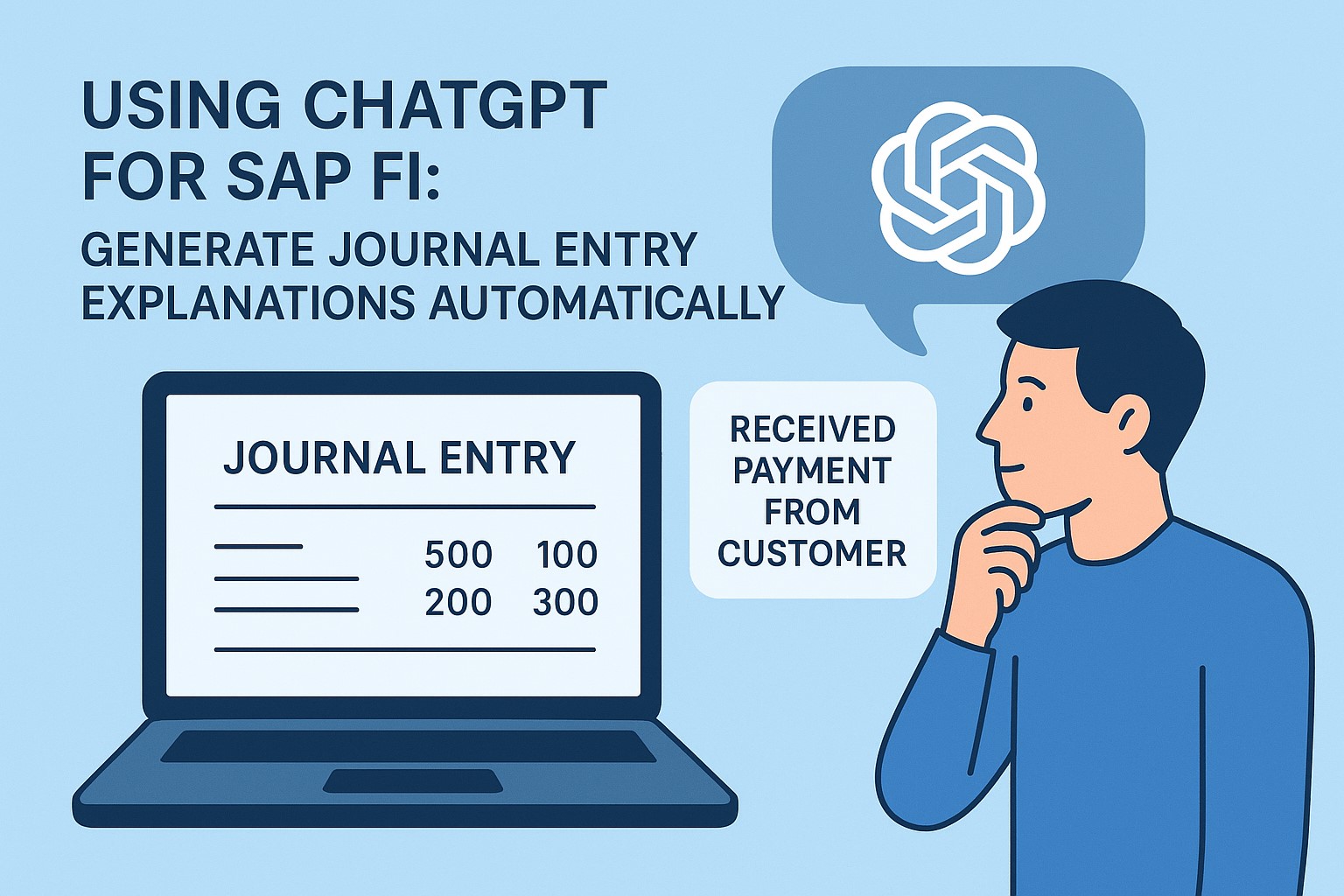
ChatGPT for SAP FI: Generate Journal Entry Explanations Automatically
SAP Tutorial-
ChatGPT for SAP FI: Generate Journal Entry Explanations Automatically
Introduction-
✅ Introduction to SAP FI and the Need for Automation
✅In This World-wide all Human are using AI-Artificial intelligence Now this days SAP Financial Accounting (SAP FI) is the pillar of enterprise financial management. It confirm financial reporting, transparency, and compliance across every level of the organization. However, one of the most lengthy facets of SAP FI is creating and documenting journal entry explanations.Accountants spend a lot of time writing notes to explain things like liability, moving amounts around, or fixing mistakes. These notes are important for checking the books, but they take time and can be sloppy. ChatGPT can help by writing these notes automatically and clearly.When ChatGPT is connected to SAP FI, finance teams can quickly create clear and consistent explanations.This saves time, eliminate human error,and helps with audit and compliance records.
✅ Understanding SAP Financial Accounting (FI)
✅ In SAP S4/HANA- SAP FI is a key module within SAP ERP structured to manage an organization’s financial transactions. It handles accounting data, reporting, and integration with other modules like Controlling (CO), Materials Management (MM), and Sales and Distribution (SD).
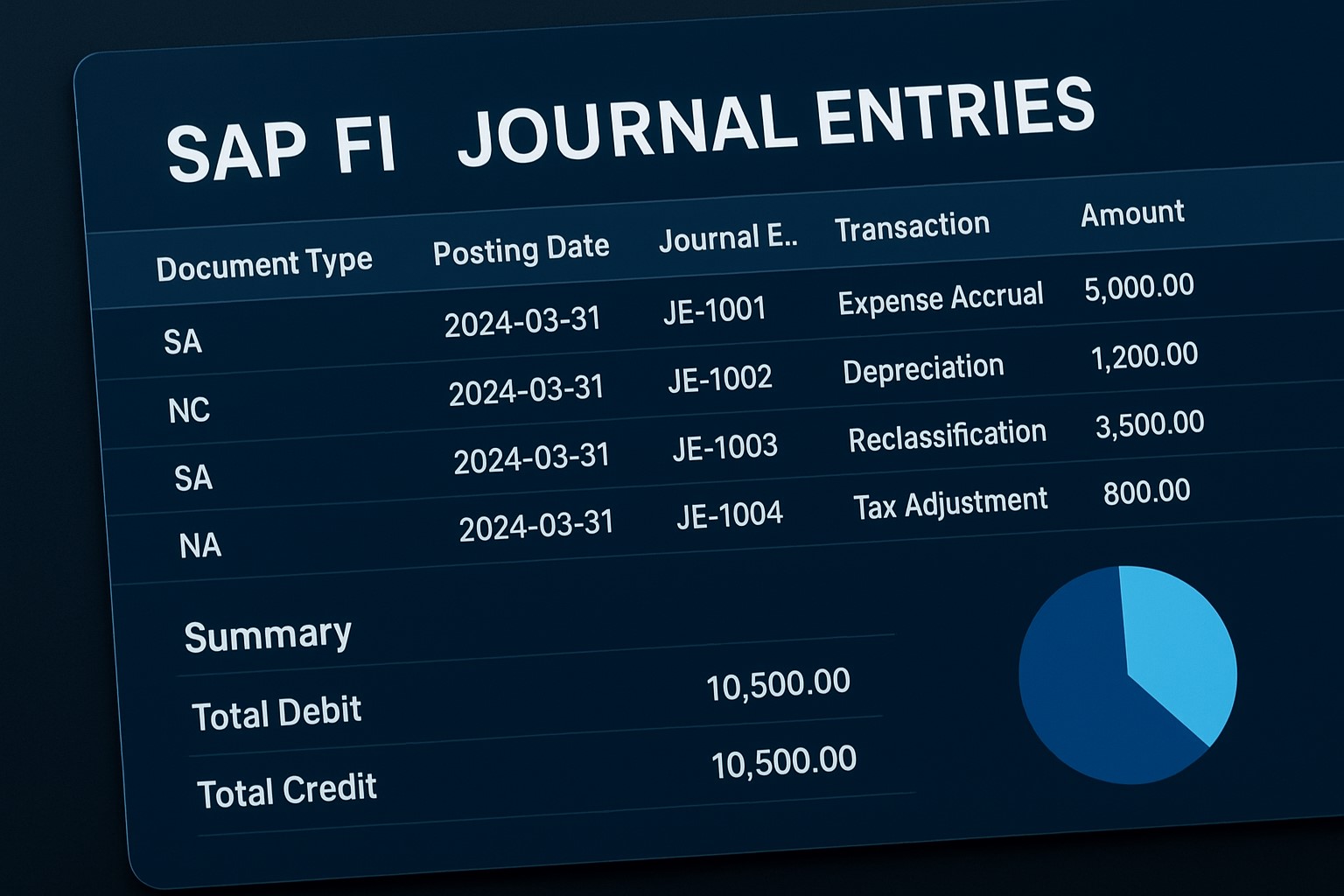
✅Look Day-to-Day operations, accountants record journal entries for activities such as:
✅ 1) Accrued Expenses and Revenues
✅ 2) Tax adjustments
✅ 3) Depreciation postings
💡 Note: ChatGpt - SAP-FI Every accounting entry needs a clear explanation. Without automation, writing these takes a lot of time and can slow down the month-end process.
✅ The Challenge of Manual Journal Entry Explanations.
✅ 1.When people write explanations by hand, the tone and format can change a lot. This makes it hard for auditors and reviewers to follow and keep things consistent. Also, it can slow down reviews and lead to confusion.
✔️ 1.Human error can lead to misleading stories.
✔️ 2.Time constraints measured or incomplete notes.
✔️ 3.Lack of inconsistency results in inconsistent documentation..
✅ Note-.These problems show why we need AI tools that can quickly create clear, correct, and ready-to-use explanations for every entry..
✅ What ChatGPT Brings to SAP FI.
✔️ ChatGPT, an AI model developed by OpenAI, leverages Natural Language Processing (NLP) to understand and generate human-like financial explanations.When connected with SAP FI, ChatGPT can interpret journal entry data such as account numbers, amounts, posting keys, and document types, and then create a valid explanation like:
“This entry records accrued expenses for marketing activities incurred in October but payable in November.”Such clarity not only saves time but also provides transparency for auditors and management...
✅ What is Natural Language Processing in Finance in SAP
✔️ ChatGPT uses language technology to understand financial terms and what they mean. For example, it knows the difference between an “expense accrual” and a “provision adjustment.” This helps it write clear and accurate explanations that match each type of journal entry.
✅ Key Advantages of Using ChatGPT in SAP FI
✔️ Speed- Generates explanations instantly.
✔️ Consistency- Ensures uniform tone across entries.
✔️ Compliance- Keeps audit trails clean and readable.
✅ How to Use ChatGPT for Journal Entry Explanations
✅ Follow Steps-
✔️ 1. Step 1 – Preparing Your Data - Ensure your SAP FI data is clean, structured, and mapped correctly. Include fields like Document Type,Posting Key, GL Account, Amount, and Text.
✔️ 2. Step 2 – Connecting SAP FI with ChatGPT API - You can integrate ChatGPT via- SAP Cloud Platform Integration (CPI),SAP BTP (Business Technology Platform),also Custom Python scripts using OpenAI API....Once connected, the data is passed securely for AI processing.
✔️ 3. Step 3 – Generating and Validating Explanations - You can create prompts such as- “Explain the following SAP FI journal entry for audit documentation.”...then ChatGPT then produces standardized, human-readable explanations for every transaction.
✅ How to use Real-World Use Cases and Examples
✔️ Automating Monthly Journal Entries- Month-end closings often require hundreds of repetitive entries. ChatGPT can process them automatically, providing instant explanations that align with company accounting policies.
✔️ Example- "We moved the cost of insurance from the expense category to assets because the coverage lasts into next year."
✔️ Is my browsing data safe with Atlas?-OpenAI says you control memory settings and retrieval of browsing data. But as with any new AI tool, it’s wise to review settings, disable auto-memory if you’re cautious, and use incognito for sensitive tasks.
✅ Benefits and ROI of ChatGPT in SAP FI
✔️ Up to 70% reduction in manual explanation effort.
✔️ Faster month-end closing by 2–3 days.
✅ Common Challenges and How to Overcome Them
✔️ "Detailed accounting entries with several lines might need extra explanation to make sense.".
✔️ "Companies or countries may use different words to describe the same accounting concepts."
✔️ "Tweaking your questions helps get more accurate and relevant answers.".
💡 Note: Python Comments Best Practices Case-sensitive language – Think of comments as leaving little notes for your future self (or another developer) who might not remember the full context.
✅ Example 1:-Your First Python Program
print("www.learntosap.com!")
✅ Welcome Python tutorial
Welcome to our Python tutorial! Here, you’ll learn Python basics and try out code live without leaving the page.
✅ Why Python?
Easy to read and write
Cross-platform
Used in web development, data science, AI, and automation
Your First Program
print("Hello, World!")
Live Python Code Preview
Practice - Yes/No Quiz
1.Do comments affect how Python code is executed?
2.Does every Python comment start with the # symbol?
3.Can Python comments span multiple lines using multiple # symbols?