HTML TUTORIALS-
HTML Colors Tag –
Introduction-
How to Use Colors in HTML: Complete Guide with Code Examples-HTML Colors Tag -
HTML (HyperText Markup Language) is the standard language used to create web pages. Colors work in a main role in web design. In HTML, colors are used to style text, backgrounds, borders, and other elements using either names, hexadecimal values, RGB, HSL, or other color models..
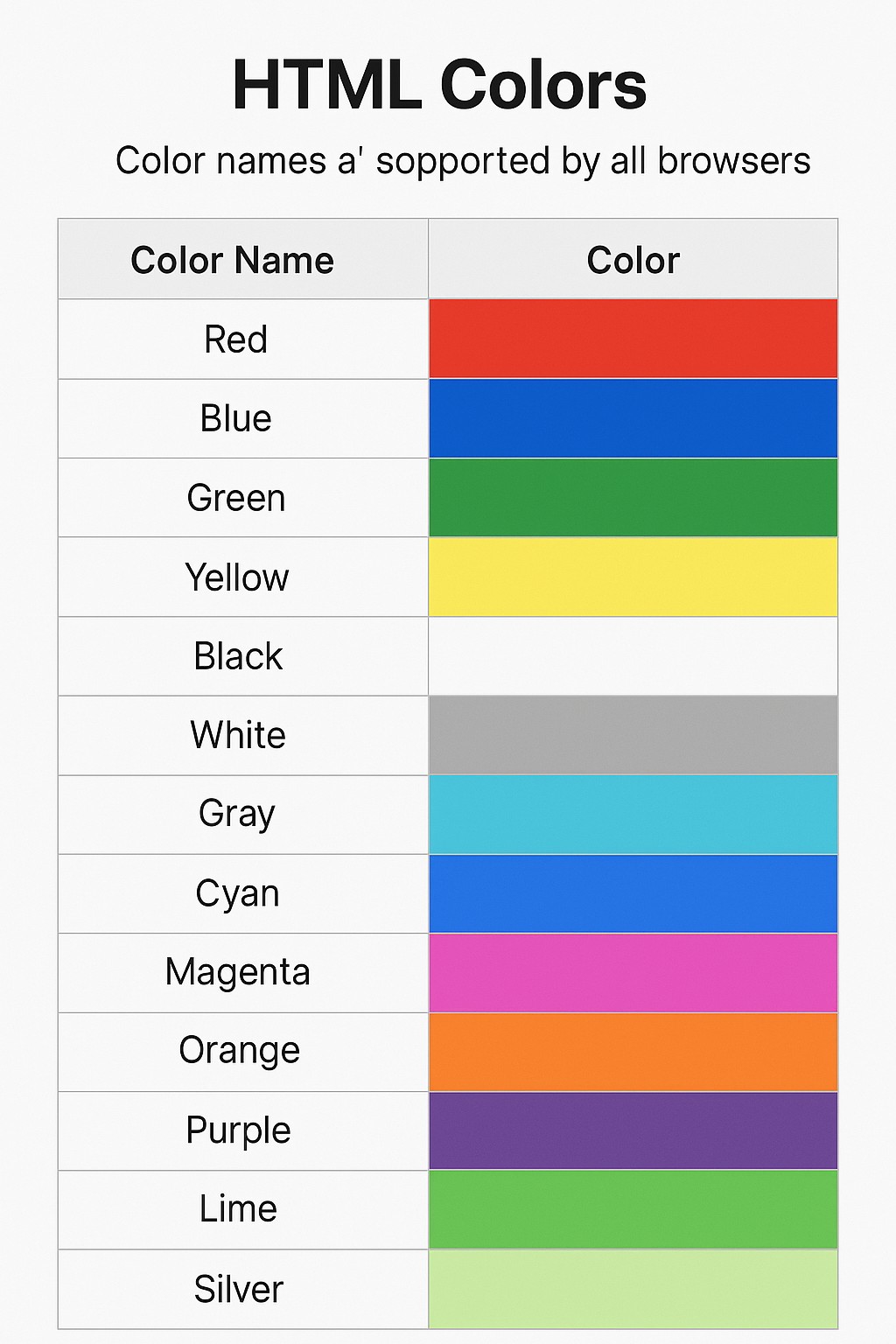
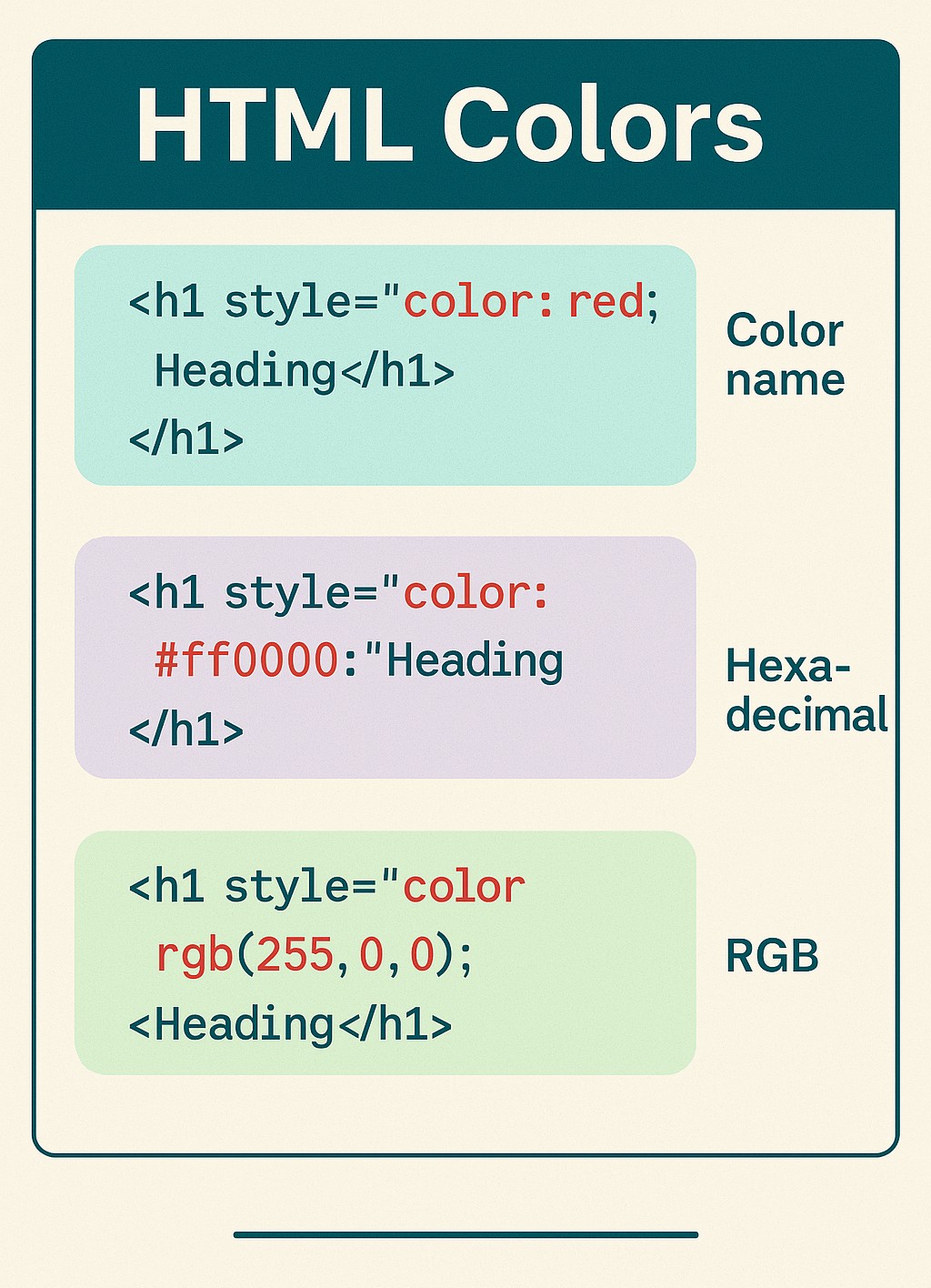
🅰️ Color Names:-
✨✨✨- 1)HTML supports 140 standard color names. These are predefined names like red, blue, green, orange, and purple. You can use them directly in CSS to set the color of elements..
<p style="color: blue;">This is a blue paragraph.</p>
<h1 style="background-color:#ff6347;">...</h1>
<div style="background-color: rgba(0, 0, 255, 0.3);">Transparent Blue Background</div>
                             <style>
                            .highlight {
                                       color: #4CAF50;
                                       background-color: #f0f0f0;
                                       }
                             </style>

                             <p class="highlight">Styled with CSS class</p>
🧩 ✨Color Names-✅ Basic Color Names and Their Colors
✅ Common Color Properties:-
| Color Name | Example Color |
|---|---|
| Black | #000000 |
| White | #FFFFFF |
| Red | #FF0000 |
| Green | #008000 |
| Blue | #0000FF |
| Yellow | #FFFF00 |
| Cyan (Aqua) | #00FFFF |
| Magenta (Fuchsia) | #FF00FF |
| Gray | #808080 |
| Silver | #C0C0C0 |
| Maroon | #800000 |
| Purple | #800080 |
| Orange | #FFA500 |
-What Is HTML? A Complete Beginner-Friendly Explanation
-HTML Editor Online: Easy-to-Use Free HTML Editor for Beginners
-HTML Basic Tags Explained with Examples
-HTML Comments Tag Explained with Examples | How to Add Comments in HTML for Beginners