HTML Class Attribute Tag Explained: How to Use Class in HTML with Examples & Best Practices

HTML TUTORIALS-

HTML class Attribute Tag –

Introduction-


Mastering the HTML Class Attribute Tag: Best Practices and Examples

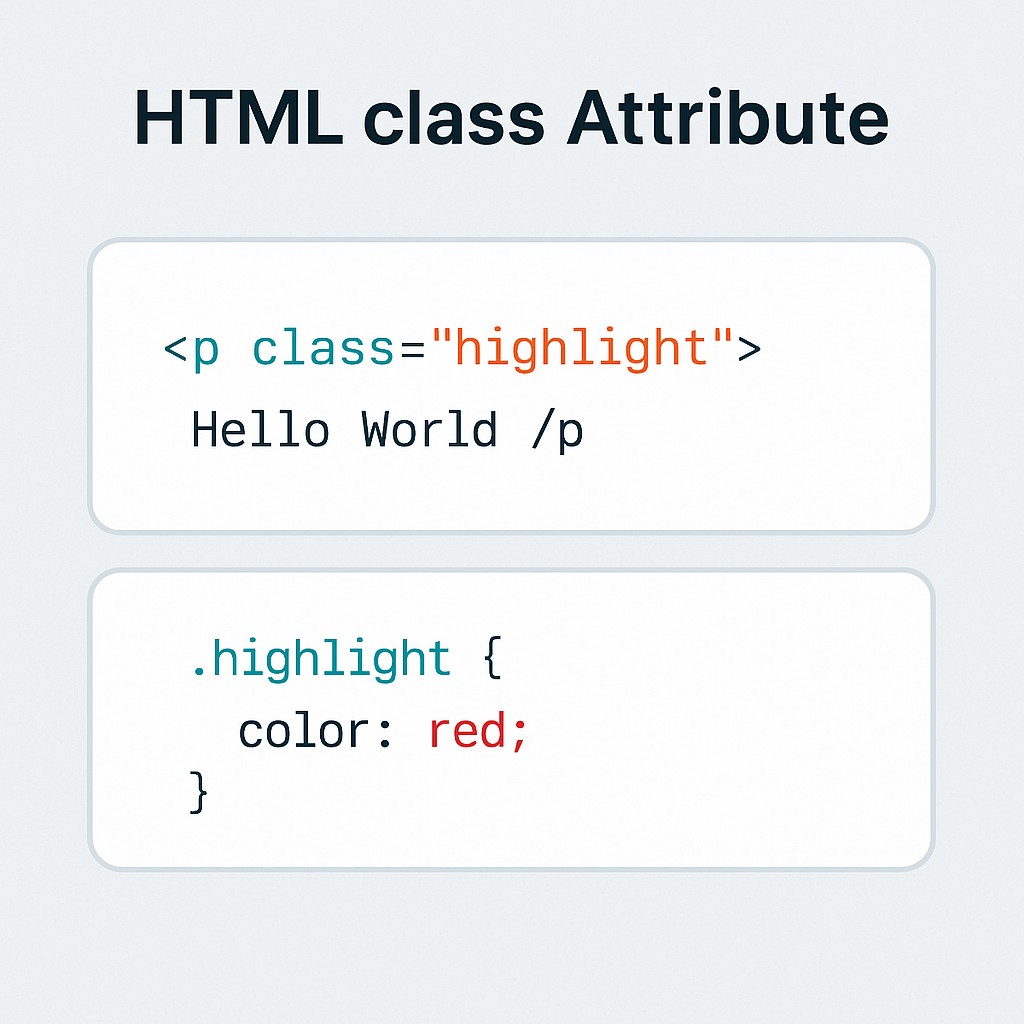
The class attribute in HTML is used to assign one or more class names to an HTML element. These class names can be used to apply CSS styles or interact with JavaScript..
Trulli Trulli

✅Example 1: Styling with CSS: -👇

<!DOCTYPE html>
<html>
<head>
  <style>
    .highlight {
      background-color: yellow;
      font-weight: bold;
    }
  </style>
</head>
<body>
  <p class="highlight">This paragraph is highlighted using a CSS class.</p>
</body>
</html>

This paragraph is highlighted using a CSS class.


✅ Example 2: Multiple Classes -👇


<!DOCTYPE html>
<html>
<head>
  <style>
   .box { border: 1px solid black; padding: 10px; }
    .rounded { border-radius: 10px; }
  </style>
</head>
<body>
  <div class="box rounded">This box has multiple classes applied.</div>
</body>
</html>

This box has multiple classes applied.

✅ Example 3: JavaScript Access -👇


<!DOCTYPE html>
<html>
<body>
  <p class="clickable">Click me!</p>
  <script>
   document.querySelector('.clickable').addEventListener('click', function() {
     alert('Paragraph clicked!');
    });
 </script>
</body>
</html>

Click me!


✅ Example 4: Grouping Elements -👇


<!DOCTYPE html>
<html>
<head>
  <style>
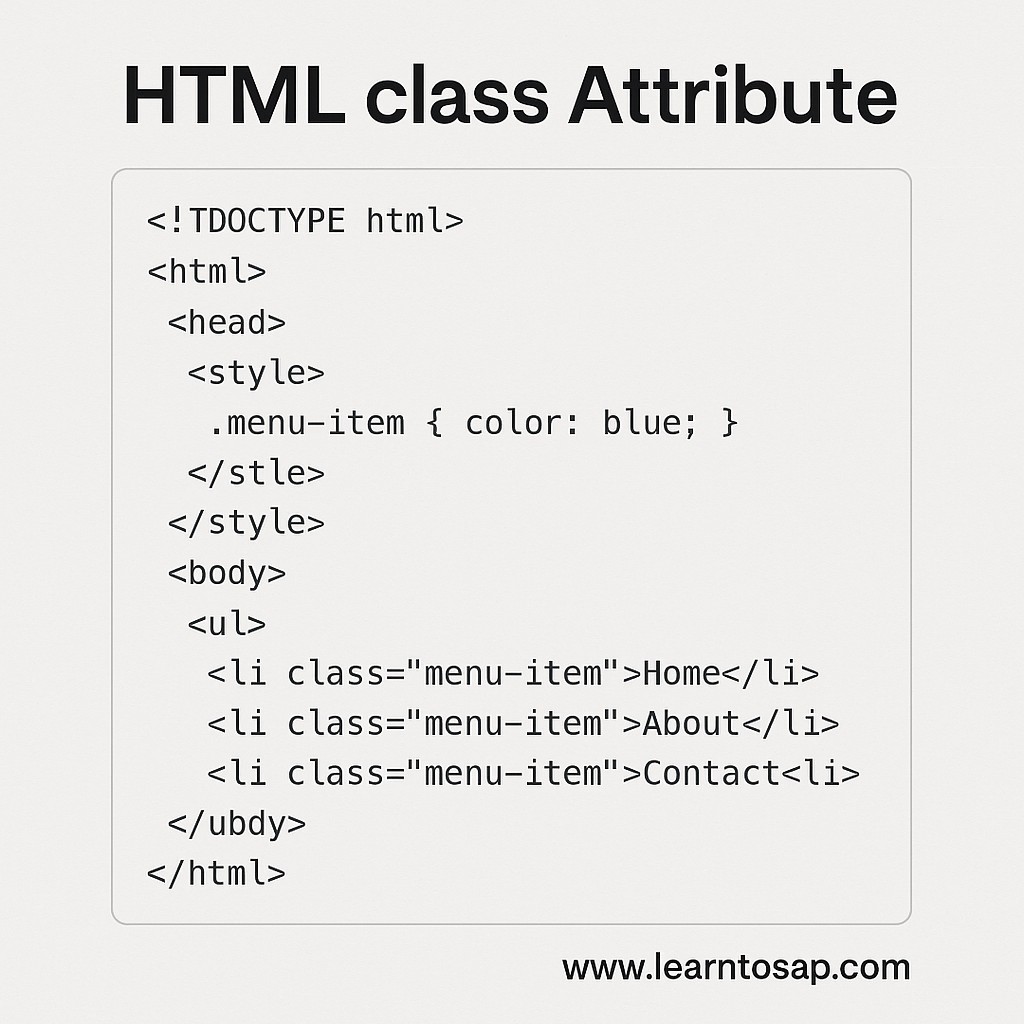
   .menu-item { color: blue; }
 </style>
</head>
<body>
  <ul>
    <li class="menu-item">Home</li>
    <li class="menu-item">About</li>
   <li class="menu-item">Contact</li>
 </ul>
</body>
</html>


Live Code Preview


May Be Like Important Link-

-HTML Colors Explained: Color Names, Hex Codes, RGB, HSL & Styling Guide for Beginners

-HTML Comments Tag Explained with Examples | How to Add Comments in HTML for Beginners

-HTML Favicon Tag -How to Add, Customize, and Optimize Website Icons for All Browsers

-What is the HTML Page Title Tag, why it’s important for SEO HTML Page Title Tag