HTML TUTORIALS-
-HTML Form Attributes Tag –
Introduction-
HTML Form Attributes Tutorial: Step-by-Step Guide with Examples for Beginners and Experts
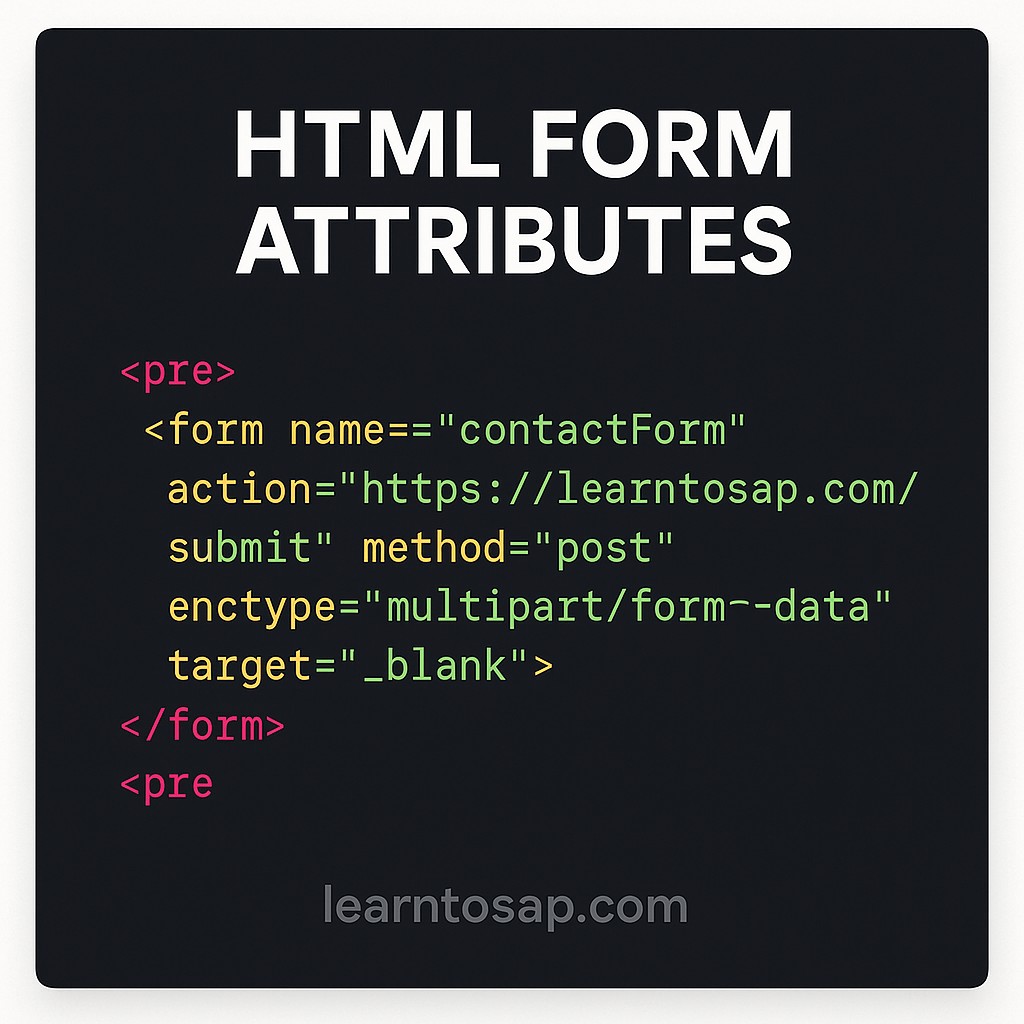
🔹HTML form attributes are used to define the behavior and functionality of the <form> element. Here are the most commonly used attributes:..
✅ 1. action:-
Specifies where to send the form data when the form is submitted.
<form action="/submit-form">
</form>
✅ 2. method:-
🔹 Defines the HTTP method used to send form data-
🔹 get (default): Appends data to the URL.
🔹 post: Sends data in the body (more secure for sensitive info).
<form method="post">
✅ 3. enctype:-👇
🔹 All Specifies how the form data should be encoded when submitting to the servers-
🔹 application/x-www-form-urlencoded (default)
🔹 multipart/form-data (for file uploads).
🔹 text/plain.
<form enctype="multipart/form-data">
</form>
✅ 4. target:-👇
🔹 All Specifies where to display the response received after form submission.-
🔹 _self (default)
🔹 _blank (new tab)
🔹 _parent
🔹 _top
<form target="_blank">
  <!-- Form fields go here -->
</form>
✅ 5. autocomplete:-👇
🔹 Toggles browser auto-complete features on form fields-
<form autocomplete="off"> ✅ 6. novalidate:-👇
🔹 Disables HTML5 validation when submitting the form-
<form novalidate>✅ 7. name:-👇
🔹Gives the form a name for scripting purposes.-
<form name="contactForm">